
AI Email Inbox Manager: Take Back Your Day in 2026
An AI email inbox manager can cut your daily email time in half. Here's what actually works, what doesn't, and how to choose the right tool for your workflow.
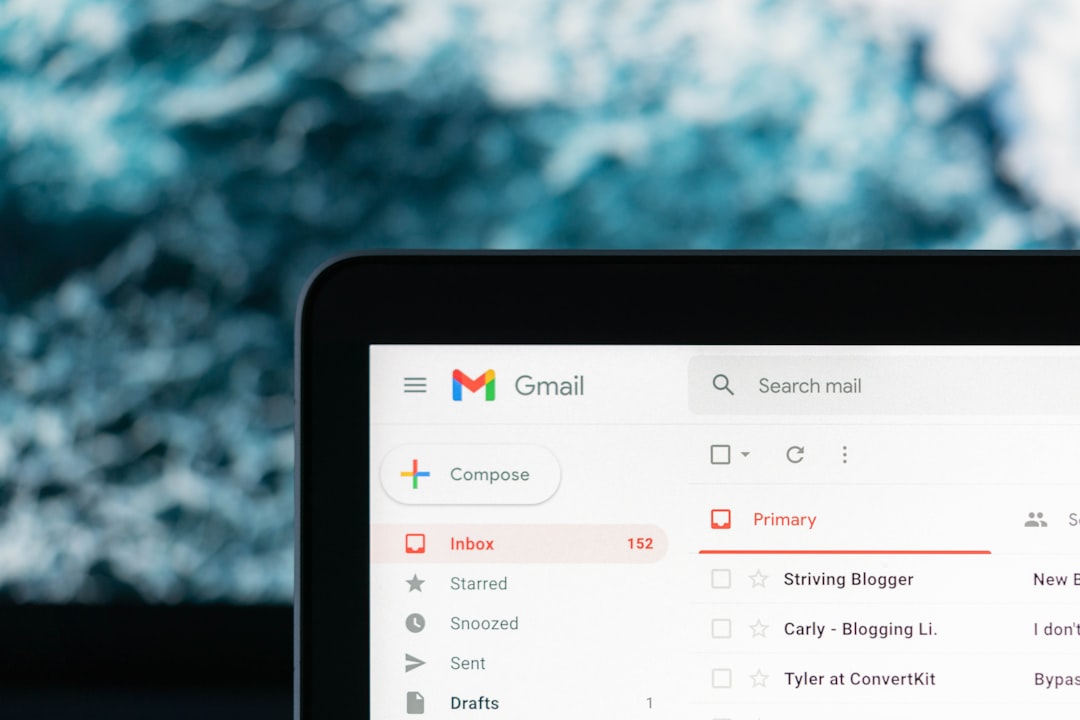
The average knowledge worker spends 28% of their workweek reading and answering email — that's from a McKinsey Global Institute report that's been cited so many times it's basically furniture. But here's the part nobody talks about: that number is worse in 2026, not better. AI has made it easier to send email, which means the rest of us receive more of it. The problem compound.
I spent the first three months of this year tracking exactly how long I spent on email. The answer was embarrassing: 2.4 hours per day, on a light day. That's what pushed me to actually test AI email inbox managers seriously — not as a product reviewer running a quick demo, but as someone whose career depends on not drowning.
TL;DR — Key Takeaways
- AI email inbox managers use classification, summarization, and auto-reply to cut email time — not just sort it differently.
- The best tools handle the full loop: triage, draft, send, block. Tools that only do one of these create new friction.
- Spam blocking and quarantine are underrated features. Email volume is a bigger problem than email quality for most professionals.
- Multilingual support matters more than most English-speaking reviewers admit — especially for global teams.
- Security certification (look for CASA Tier 2 or equivalent) is non-negotiable if you're processing sensitive communications.
What an AI Email Inbox Manager Actually Does
Let's be specific about this, because the term gets used loosely. A true AI email inbox manager does at least three things: it classifies incoming messages by priority and type, it generates draft replies or full responses, and it surfaces information you need without requiring you to open every thread. Tools that only do one of these — say, just smart filtering — are email clients with a marketing upgrade. They're not inbox managers.
The classification piece is where most tools start. Gmail's Priority Inbox has done basic ML-based sorting since 2010. What's different in 2026 is that modern systems understand context, not just sender history. They can distinguish between a client asking a simple question (reply in 30 seconds) versus a client escalating a contract dispute (flag for human review, do not auto-reply). That distinction changes how you work.
Summarization is the feature I undervalued until I needed it. A 47-message thread about a project kickoff, compressed into four bullet points I can read in 20 seconds. That's not a parlor trick — that's recovered time.
The Tools Worth Knowing in 2026
Fair comparison requires honesty about what each tool is optimized for. Superhuman is fast and keyboard-driven — it's built for power users who want speed above everything. If you live in email and already process 300+ messages a day with discipline, it's excellent. The price point (around $30/month) reflects that it's targeting high-output professionals, not casual users.
Notion Mail is interesting if you're already deep in the Notion ecosystem, but as a standalone email tool it's still finding its footing. It launched with strong AI-assisted organization but lacks robust spam blocking and has no video email feature — both of which matter more than most reviewers admit. HEY has a loyal fanbase and a genuinely different philosophy about email, but its AI capabilities are limited compared to purpose-built AI tools.
Spark Mail is solid for teams, particularly because of shared inboxes and collaborative drafts. Where it falls short: the AI reply quality is inconsistent across languages, and it doesn't have a true spam quarantine system — just smart categorization.
Icebox approaches the problem differently. It's built around the full inbox loop — classification, AI-powered replies, summarization, spam blocking (the Blackhole feature), quarantine, meeting scheduling, and calendar integration. The feature that surprised me most was video email, which sounds gimmicky but turns out to be genuinely useful for context-heavy responses where a 90-second video beats a 400-word email every time. Icebox also supports 22 languages — most competitors are English-only, which is a real limitation for global teams.
The best AI email tool is the one that handles the full loop — triage, draft, block, schedule — not just the step that's easiest to demo.
Hard-won opinion after testing six tools in Q1 2026
Does AI Email Actually Save Time, or Just Shift It?
This is the real question, and the honest answer is: it depends entirely on how you implement it.
The first thing I tried was setting up AI auto-replies for routine messages — meeting confirmations, acknowledgment emails, basic status requests. That worked. Saved maybe 25 minutes a day without creating any problems. The AI drafts were accurate enough that I rarely had to edit them.
Where I went wrong: I let the AI classify everything as low-priority for three days to see what happened. It buried two time-sensitive client messages that didn't match its pattern for urgency. The lesson isn't that classification is bad — it's that you have to train it with your actual priorities, not just let it infer from send frequency and subject lines. Most tools give you a feedback mechanism for this. Use it aggressively the first two weeks.
The summarization feature, once calibrated, genuinely changed how I handled long threads. I stopped opening every message in a chain. I read the summary, identified the one message that needed a response, and moved on. That behavioral shift — trusting the summary — is the part that saves time. The tool doesn't do it for you. It makes the right behavior easier.
The Spam Problem Nobody Talks About Enough
Email volume is the elephant in the room. Marketers, automated notifications, LinkedIn outreach, cold sales sequences — by the time a typical professional arrives at work, 40-60% of their inbox is noise. An AI that helps you reply faster to that noise is not solving the problem.
The Blackhole feature in Icebox is the right mental model here: some senders don't get routed to spam, they get permanently blocked from ever reaching you again. No unsubscribe loop, no 10-day processing period, no re-subscription from a different address. Gone. That's different from what Gmail's spam filter does — which is probabilistic and lets a lot through.
Quarantine is the adjacent feature that matters. Some email shouldn't be deleted — it needs to be reviewed before a decision is made. A quarantine system holds suspicious messages without surfacing them in your main flow. Most native clients don't have a true quarantine separate from spam. It's a detail, but it matters for compliance-sensitive roles.
What Should I Look for in an AI Email Inbox Manager?
Look for a tool that covers classification, AI-drafted replies, email summarization, spam blocking, and calendar/scheduling integration. Security certification — CASA Tier 2 is the current benchmark — matters if you're handling client data or regulated communications. Multilingual support is essential for any team operating across more than one country.
- Classification accuracy: Does it understand context, or just sender history?
- Reply quality: Are the AI drafts editable and tonally accurate, or do they sound robotic?
- Summarization: Can it compress long threads accurately without missing key decisions?
- Spam/blocking controls: Is there a true blackhole or quarantine, or just basic filtering?
- Scheduling integration: Can it propose and book meetings from within the email interface?
- Language support: Does it work in the languages your contacts actually use?
- Security posture: What certification does it carry? Who can see your email data?
The Security Question Is Not Optional
Every AI email tool that processes your messages has access to sensitive data. Full stop. Before adopting any tool for professional use, you need to know: where is the data processed, is it used for model training, and what certification does the provider hold? CASA Tier 2 (Cloud Application Security Assessment) is the current standard for third-party app security. Icebox holds this certification. Some competitors do not, and their privacy policies are vague enough to be concerning for enterprise use.
Getting the Most Out of Your AI Email Tool: What Actually Works
Three things I'd tell anyone starting with an AI email inbox manager in 2026:
- Spend two weeks training it before you trust it. Correct every wrong classification. Flag every draft that misses your tone. The model improves fast with feedback — but only if you give it.
- Set up spam blocking before anything else. Reducing incoming volume has a higher ROI than optimizing how you handle volume. Cut the noise first.
- Use video email for anything over 300 words. If you're writing a long explanatory email, stop. Record a 90-second video. It takes less time, communicates more, and gets better responses.
The mistake most people make is treating the AI as a passive filter. The tools that change how you work are the ones you actively configure and refine. Icebox's AI reply feature, for instance, gets significantly better once you've given it examples of your preferred tone and response style. That takes 20 minutes once. The return lasts indefinitely.
If your inbox is genuinely out of control — and for a lot of professionals in 2026, it is — the right move is to start with Icebox's free plan, run it alongside your existing client for two weeks, and measure the difference. Not in some abstract productivity score. In minutes per day. That number will tell you everything you need to know.
Start your free Icebox account at icebox.cool and get your first week of inbox clarity. The setup takes under 10 minutes — the time savings start the same day.
icebox.cool


