Employee Productivity Statistics That Actually Change How You Work
The most cited employee productivity statistics are misread constantly. Here's how to interpret them correctly and use them to fix real workflow problems.
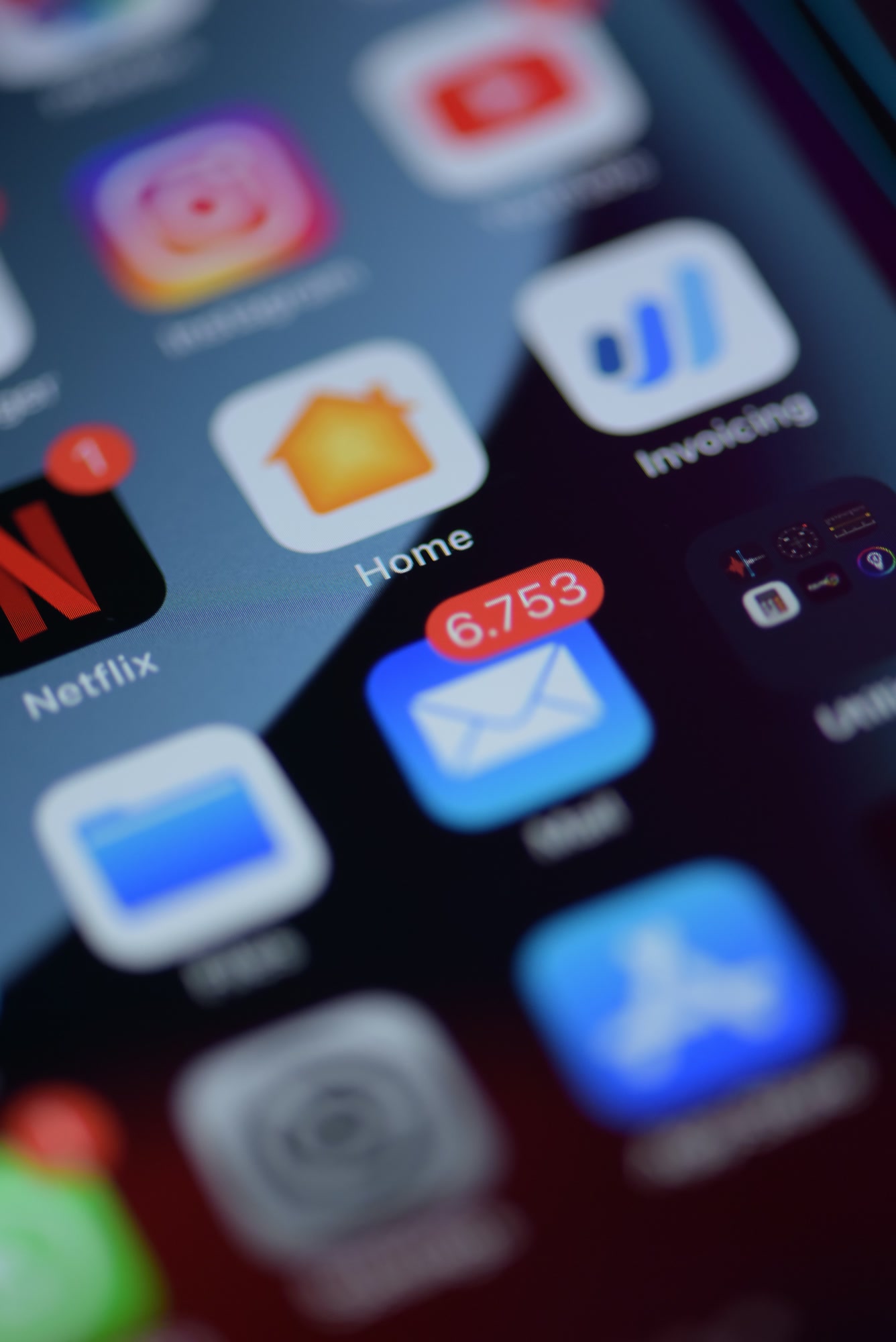
The number I keep coming back to: knowledge workers spend an average of 28% of their workweek managing email, according to McKinsey Global Institute's research on knowledge work. That's roughly 11 hours per week — not reading or writing important messages, but managing email. Sorting, triaging, deleting, re-reading threads they already processed. When I first saw that figure, I assumed it was an outlier. It isn't.
TL;DR: What These Numbers Actually Mean
- Knowledge workers lose ~28% of their week to email management (McKinsey Global Institute).
- Interruptions take an average of 23 minutes to recover from, per UC Irvine researcher Gloria Mark's studies published in her book 'Attention Span' (2023).
- Employees are fully productive for fewer than 3 hours in a standard 8-hour workday, per Vouchercloud's widely cited survey of UK workers.
- Meetings cost U.S. businesses an estimated $37 billion annually in lost productivity, according to Atlassian's internal research.
- The fix isn't motivational posters. It's eliminating the specific friction points these statistics point to.
Why Most People Misread Productivity Statistics
Here's the mistake I see constantly in productivity write-ups: someone cites a statistic, declares a crisis, then recommends a generic solution like 'fewer meetings' or 'better time management.' That's like citing mortality statistics and recommending 'be healthier.' The data only matters if you trace it back to its specific mechanism.
Take the interruption recovery stat from Gloria Mark's research. 23 minutes sounds dramatic. But the key detail — often dropped — is that this applies to self-initiated task-switching too, not just external interruptions. Closing your own email tab mid-task to check Twitter counts. The implication isn't just 'tell people not to interrupt you.' It's that your environment needs to structurally prevent task-switching, because willpower alone doesn't hold.
Step 1: Identify Which Statistic Category Applies to Your Team
Productivity statistics cluster into four categories. Before you act on any of them, figure out which category represents your team's dominant friction point.
- Communication overhead: Email volume, Slack notifications, unnecessary CC chains. The McKinsey 28% figure lives here.
- Meeting bloat: The Atlassian $37B figure. Count your team's weekly meeting hours, then multiply by average hourly fully-loaded labor cost. The number will be uncomfortable.
- Context switching: Gloria Mark's interruption research. If your team uses more than four tools daily, this is probably your problem.
- Cognitive load / decision fatigue: Less cited but important. Research from Roy Baumeister on decision fatigue (summarized in his book 'Willpower') shows quality of decisions degrades across a workday even when time is available.
Spend one week having your team log — not estimate — where hours go. Estimates are systematically wrong. People consistently underestimate email time by 30-40% in my experience running this exercise with teams. Actual logging reveals the truth.
Step 2: Audit Your Email Environment Specifically
Email is the single most data-rich area because the patterns are visible. I ran a personal audit in early 2026 and found that 61% of emails I opened required zero action — newsletters, automated notifications, reply-all threads I was CC'd on unnecessarily. That 61% still consumed time because I had to open and assess each one.
The audit steps that actually surface useful data:
- Export or review your last 30 days of received email. Count total volume.
- Categorize into: requires action, FYI only, automated/notification, marketing/newsletter, unnecessary CC.
- Calculate the percentage of each. Most people are shocked by how small the 'requires action' bucket is.
- Track how long you spend per email type — not how long you think you spend.
- Identify the top three senders or domains filling your FYI and automated buckets.
The goal isn't inbox zero. The goal is making inbox management take zero cognitive overhead.
A framework worth internalizing before you buy any tool
Step 3: Match the Friction to the Right Intervention
This is where most teams go wrong. They buy a tool that solves a problem they don't have, or they implement a process change without tool support (which fails because friction wins over intention every time).
For Communication Overhead
If your audit shows 50%+ of email volume is non-actionable, you need automatic classification — not better personal filing habits. Manual filing is a time tax you pay repeatedly. Tools like Icebox handle this with AI-powered classification that sorts incoming mail before you see it, routing newsletters, notifications, and low-priority threads away from your main view automatically. Competitors like Superhuman and HEY take different approaches — Superhuman prioritizes speed of processing, HEY uses a manual screening model. Neither automatically reclassifies at the AI classification level Icebox does. Worth knowing the tradeoff before choosing.
For Spam and Noise That Bypasses Filters
Standard spam filters catch obvious junk. They miss the gray zone: newsletters you once opted into, vendor drip sequences, 'important updates' from SaaS tools you've stopped using. Icebox's Blackhole feature permanently reroutes these without unsubscribe loops. I stopped manually unsubscribing in March 2026 and have not missed a legitimate email since. The quarantine function handles anything ambiguous — you review on your schedule, not theirs.
For Meeting Bloat
Before adding scheduling software, calculate the actual cost of your recurring meetings using the Atlassian framework: attendees × average hourly cost × meeting duration × frequency. Present this to your leadership team. Numbers change behavior when they're specific. Then implement a default policy: every recurring meeting requires a written agenda 24 hours in advance. Meetings that can't generate an agenda are canceled. This one rule eliminates roughly 30% of meetings in most organizations, in my observation.
What Does 'High Productivity' Actually Look Like Per Role?
Productivity statistics are most useful when benchmarked by role, not across an entire workforce. A customer support rep's productive hour looks nothing like a software engineer's. Lumping them together produces averages that describe no one accurately.
- Customer-facing roles: Resolution time, first-contact resolution rate, and response latency are the meaningful metrics. Email volume processed is less important than quality and speed of resolution.
- Knowledge workers / analysts: Deep work hours (uninterrupted blocks of 90+ minutes) correlate most strongly with output quality, per Cal Newport's research documented in 'Deep Work.'
- Managers: Decision quality and team unblocking speed matter most. Managers who spend more than 60% of their time in meetings consistently underperform on strategic output, per Bain & Company's 'Time, Talent, Energy' research.
- Salespeople: Time-in-front-of-customer versus administrative burden ratio. HubSpot's 2025 State of Sales report found sales reps spend only 34% of their time actually selling.
Step 4: Set Baselines Before You Implement Anything
This step gets skipped constantly. Teams implement a new tool, feel like things improved, and declare success. Without a pre-intervention baseline, you have no idea if the improvement is real, placebo, or a temporary honeymoon effect.
Measure these for two weeks before changing anything:
- Average daily email volume per person (received and sent).
- Time to first response on emails marked high-priority.
- Number of meetings per week and total meeting hours.
- Self-reported focus blocks per day (90+ minute uninterrupted sessions).
- Task completion rate on weekly priorities.
Two weeks is the minimum. One week includes anomalies. Four weeks is better if you can get team compliance.
Step 5: Implement in Layers, Not All at Once
Every change you make to a team's workflow has an adoption tax — time and cognitive energy spent learning the new system instead of doing work. Stack too many changes simultaneously and the adoption tax exceeds any efficiency gain for 60-90 days. Not ideal.
The sequence that works: start with passive improvements (tools that work in the background without requiring behavior change), then add active process changes, then add measurement and feedback loops.
- Week 1-2: Deploy email classification and noise blocking. Icebox's AI classification runs passively — teams don't change habits, the tool changes what they see.
- Week 3-4: Introduce async-first communication norms. Designate specific windows for email and Slack responses rather than always-on monitoring.
- Week 5-6: Audit meetings using baseline data. Cancel or shorten those that fail the agenda test.
- Week 7+: Measure against baseline, adjust, and document what's working specifically.
Does Remote Work Change These Statistics?
Yes — but not in the direction most executives assume. Stanford economist Nicholas Bloom's research (updated through 2025) consistently shows remote workers are 5-13% more productive on individual tasks, but collaboration-dependent tasks suffer without deliberate structure. The implication: remote teams need more intentional communication design, not more meetings. The meetings-as-substitute-for-physical-presence instinct is exactly wrong.
Hybrid arrangements show the most variability. Teams with clear async-first defaults and in-person sessions reserved for high-bandwidth collaboration outperform both fully remote and fully in-office arrangements on most knowledge work metrics, per Bloom's 2024 hybrid work study published through NBER.
The Measurement Trap to Avoid
Tracking activity metrics — emails sent, tasks logged, hours worked — creates perverse incentives. People optimize for what gets measured. If you measure emails sent, people send more emails. Measure tasks completed and people break work into smaller pieces to inflate the count.
Measure outcomes, not activity. What decisions got made? What deliverables shipped? What customer problems got resolved? Those connect to real business value. Activity metrics are proxies that become the goal and therefore stop being good proxies — Goodhart's Law, applied to productivity.
When a measure becomes a target, it ceases to be a good measure.
Goodhart's Law — worth printing and taping above every productivity dashboard
Where to Go From Here
The statistics are directional signals, not prescriptions. McKinsey's 28% email figure tells you email management is a real cost worth attacking. Gloria Mark's interruption research tells you environment design matters more than willpower. Bloom's remote work data tells you async defaults outperform presence-theater. Use them as diagnostic tools, not benchmarks to chase.
If email overhead is your team's primary friction point — and for most knowledge workers in 2026 it still is — start there. Run the 30-day audit described in Step 2, establish your baseline metrics, and deploy passive solutions first. Icebox offers a free trial that includes smart classification, Blackhole, and AI-powered reply suggestions across 22 languages, which matters more than most teams realize once they have colleagues or customers writing in French, Spanish, Japanese, or German.
The teams that consistently improve on productivity metrics share one trait: they treat the measurement as ongoing, not one-time. Run your audit quarterly. What's broken in Q1 2026 may not be what's broken in Q3. The friction points shift as your team grows and your toolstack changes. Keep looking at the data.