How CEOs Organize Their Inbox Without Losing Their Mind
Most CEO inbox advice is recycled nonsense. Here's how executives actually organize email — with specific systems, real tools, and hard-won lessons from the trenches.
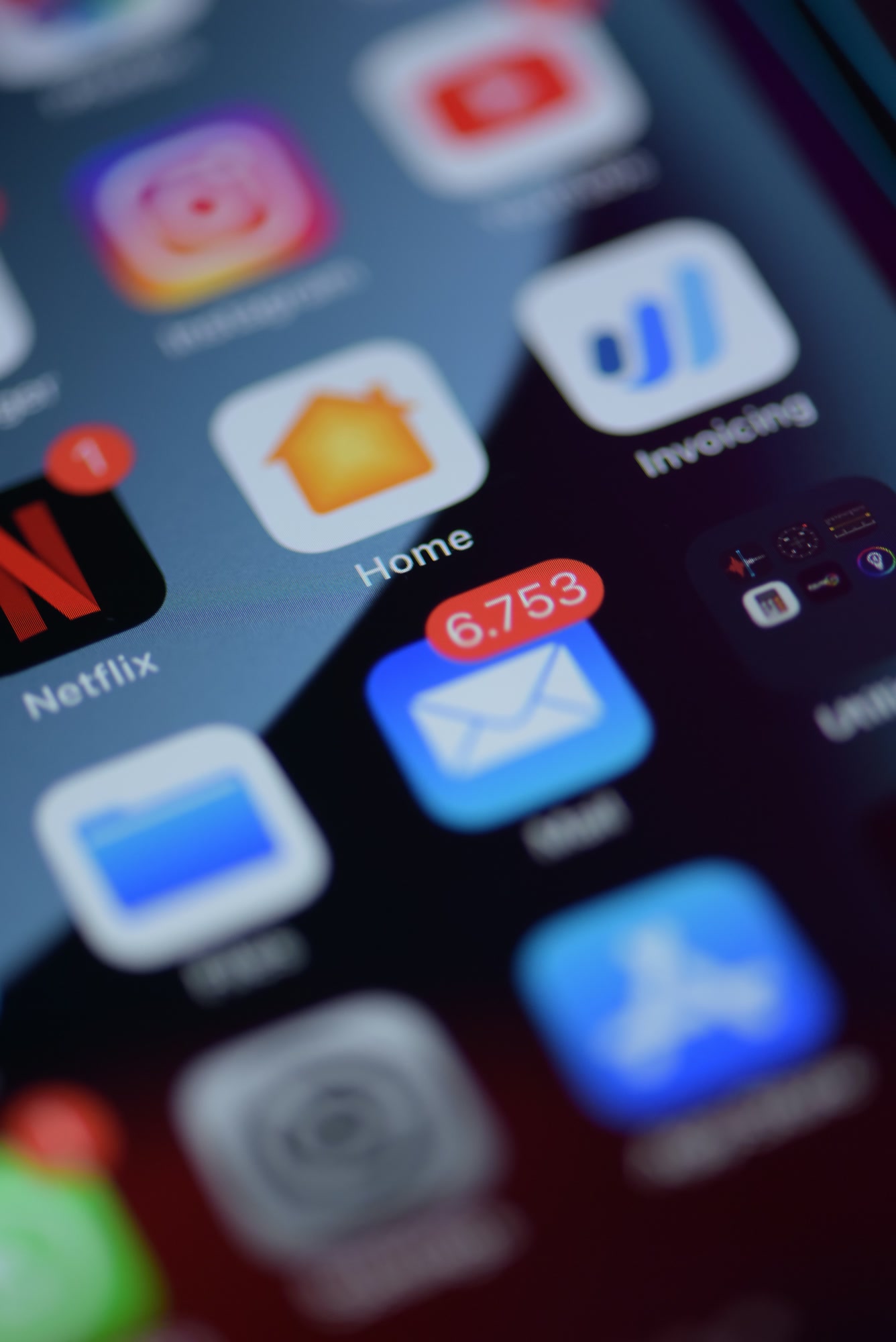
The average CEO receives 1,000+ emails per week, according to a 2024 McKinsey analysis of executive communication patterns. Most of them are drowning — not because they lack discipline, but because they're using the same inbox design that works for a 25-person startup, not a scaling organization where every reply triggers three more.
My inbox was a second job. I'd spend 90 minutes every morning just triaging, and I still missed things. The system wasn't the problem — I had no system.
Common pattern among first-time CEOs transitioning from operator to executive roles
TL;DR — The Core System Most CEOs Eventually Land On
- One daily inbox window, not constant monitoring
- Hard separation between action-required and FYI email
- An aggressive filtering layer that keeps noise out before you ever see it
- A trusted assistant or AI tool handling first-pass triage
- Zero tolerance for newsletters and vendor drip campaigns in the primary inbox
Every executive I've seen make real progress on inbox control gets to some version of this list. The details vary. The shape doesn't.
Start by Auditing What's Actually in There
Before you reorganize anything, spend 20 minutes categorizing your last 100 emails by type. Not by subject line — by what they actually required from you. In my experience working with executives on productivity systems, the breakdown almost always looks like this: 15% genuine decisions or actions, 25% internal updates that required no response, 35% vendor noise and marketing, 25% external stakeholder communications. That math means over half your inbox is consuming attention it was never entitled to.
This audit changes how you think about the problem. It's not about reading faster. It's about eliminating entire categories of email from your cognitive load.
Build the Filtering Layer First — Everything Else Depends on It
Most inbox systems fail because they're applied downstream. You're sorting email after it's already in your head. The fix is upstream: aggressive classification and filtering before you ever read the first line.
Tools like Icebox's blackhole feature handle this at the sender level — you designate a sender or domain and their emails are permanently rerouted, no unsubscribe loop, no periodic re-invasion. I've used this to wipe out roughly 40% of weekly email volume by blocking vendor drip sequences alone. Competing tools like Superhuman offer filtering, but it's downstream of your inbox rather than a true interception layer. HEY's approach (screening senders before they can reach you) is philosophically similar but requires you to approve new senders manually, which breaks down at executive scale when you're getting first-contact emails from journalists, partners, and investors you actually want to hear from.
The Folder Architecture CEOs Actually Maintain
Elaborate folder systems die within two weeks. Here's what survives:
- Inbox (primary): Human-to-human email requiring a decision or response. Nothing else lives here.
- Waiting: Threads where you're blocked on someone else's reply. Review weekly.
- Read Later: Newsletters, digests, thought leadership you've chosen to receive. Reviewed on Friday afternoons or not at all.
- Archive: Everything resolved. Searchable. Never sorted manually.
Four folders. That's it. If you need more, you're using folders as a productivity crutch — filing things you haven't processed rather than actually processing them.
What Does 'Inbox Zero' Actually Mean for a CEO?
Inbox Zero for executives means zero open decisions in your inbox — not zero unread messages. The distinction matters. Chasing literal zero leads to reflexive replies that substitute fast for thoughtful, and to triaging low-stakes email during time that should be protecting deep work. What you want is a cleared action queue: everything in your inbox has either been replied to, forwarded, turned into a task, or archived. That can happen with 200 emails sitting in a Read Later folder.
Merlin Mann, who coined Inbox Zero, has said publicly that the concept got distorted into an obsession with the number rather than the underlying idea of making deliberate decisions about where your attention goes. He's right, and the CEO who checks email at 11pm to hit zero is doing it wrong.
Schedule Email Like a Meeting — With Hard Boundaries
The single highest-ROI change I've seen executives make: treat email as a scheduled activity with a defined end time, not a background process that runs all day.
Most CEOs who've genuinely solved their inbox land on two windows: one at 8–9am and one at 4–5pm. The morning window clears overnight arrivals and surfaces anything urgent before the day's meetings start. The afternoon window handles follow-ups and clears the action queue before close of business. Everything in between is notifications off, email client closed.
This breaks down in one specific scenario: companies that use email as a de facto emergency channel. If your team emails you when the site goes down or a client threatens to leave, you need to fix the emergency communication protocol first — Slack, a dedicated alert channel, a text from your EA. Email can't be both asynchronous thoughtfulness and synchronous urgency. It fails at both when it tries to be both.
Using AI to Handle the First Pass
Since early 2026, AI-assisted email triage has crossed a threshold where it's genuinely useful rather than a demo toy. The key capability isn't reply drafting — it's classification. An AI that correctly identifies which of your 80 overnight emails actually need you versus which are FYI threads, vendor updates, or CC'd noise is worth real time.
Icebox's smart classification layer does this by learning your patterns — who you respond to, how quickly, with what type of message. After a few weeks, it's surfacing genuinely urgent threads and silently filing the rest. The summarization feature is worth calling out specifically: instead of opening a 14-message thread to understand where things landed, you get a 3-sentence brief. For CEOs who are CC'd on dozens of internal threads per day, that alone cuts processing time significantly.
One honest caveat: AI classification makes mistakes on ambiguous sender relationships. A vendor who's become a close partner, a board observer who's also a friend — these hybrid relationships trip up the model early on. You'll override classifications manually for the first month. That's not a failure; it's how the system learns your actual context.
Delegation and the Executive Assistant Protocol
If you have an EA, they should have shared inbox access with a defined decision authority — not just the ability to look but the ability to act. That means: they can reply on your behalf to scheduling requests, they can forward vendor inquiries to the relevant department head, they can archive social and marketing emails without review. What they escalate to you is the residual that actually needs your judgment.
This requires a written escalation protocol. Not long — a single page that answers: what always comes to me, what you decide, what you route and to whom. Without it, your EA will over-escalate out of caution, which defeats the purpose.
The Quarantine Habit Most CEOs Skip
Every aggressive spam filter occasionally catches something legitimate. Most executives ignore this risk and either over-whitelist (breaking the filter) or never check quarantine (losing real email). The right cadence: a 5-minute quarantine review every Monday morning. Not daily — that's too much overhead. Not never — that's how you miss the journalist who wanted a comment or the partner whose domain got flagged.
Icebox's quarantine view shows flagged messages with the reason they were held, which makes the weekly review fast. You're not reading emails — you're scanning sender, subject, and flag reason, rescuing the occasional false positive in under a minute per item.
How Should CEOs Handle Email Response Time Expectations?
CEOs should set an explicit, public response-time standard — typically 24 to 48 hours for external contacts, same-day for internal urgent matters — and then actually stick to it. The inconsistency of sometimes replying in 3 minutes and sometimes in 3 days creates more anxiety for senders than a consistently slower pace. When people know your rhythm, they plan around it.
Put it in your email signature. Something like: "I check email twice daily. For urgent matters, please contact [EA name] at [number]." This sets expectations, reduces follow-up pings, and subtly signals that your time is managed, not reactive.
Putting It Together: A Week-One Implementation Plan
- Day 1: Audit your last 100 emails. Categorize by type. Identify your top 5 noise sources.
- Day 2: Set up your filtering layer. Blackhole your top noise senders. Create your four-folder structure.
- Day 3: Block your two daily email windows in your calendar. Turn off mobile email push notifications.
- Day 4: Write your EA escalation protocol if applicable. Grant appropriate inbox access.
- Day 5: Update your email signature with your response-time standard.
- Week 2: Review what slipped through the filters. Adjust classifications. Set a Monday quarantine reminder.
- Month 1: Let the AI classification layer learn from your corrections. Expect to override 10–15% of categorizations early on.
What Breaks These Systems
Three failure modes I've seen repeatedly. First: checking email outside your scheduled windows "just to see" — once you do this under stress, the habit reforms faster than it took to break. Second: whitelisting too aggressively after false positives, which reopens the flood. Third: not enforcing the internal emergency channel protocol, so your team keeps emailing you urgently and your boundaries collapse.
None of these are tool failures. They're discipline failures, which means they're fixable.
The inbox is not the work. The inbox is the inbox. Treat it like a waiting room, not a workspace.
A useful reframe for executives rebuilding their relationship with email
If you're ready to test this system, Icebox's free tier covers the classification, blackhole, and quarantine features that form the foundation of everything described here. Run it alongside whatever you're using now for 30 days, compare the before and after on weekly email processing time, and decide from there. The setup takes under an hour. The payback starts the first morning you open your inbox and find only what actually needed you.